About CAD Missions
Built by Educators. Proven Through Real Teaching.
CAD Missions was created to solve a practical problem: how to teach real CAD skills in a way that supports independent learning, structured progress, and meaningful outcomes, without overwhelming learners or educators.
Over several years of hands-on teaching and testing with hundreds of students, we developed and refined a mission-based system that emphasizes thinking, problem-solving, and finished work, not passive instruction.
See the Full SyllabusWhy CAD Missions Exists?
Most CAD learning resources fall into one of two extremes:
- Long video courses that prioritize content delivery over demonstrated understanding
- Step-by-step tutorials that train copying rather than design thinking
CAD Missions was designed as an alternative.
Instead of starting with explanations, learners start with clear design goals. They attempt solutions first, use hints to guide their thinking when needed, and only rely on walkthroughs as a final support.
Skills are then reinforced through recap projects that require learners to apply multiple tools together in a complete design.
The result is learning that is visible, cumulative, and transferable.
Designed for How Learning Actually Happens
CAD Missions is built around the idea that real engineering skills are learned by:
- Doing before being shown
- Revisiting concepts from different angles
- Slowing down when precision matters
- Applying skills in complete, functional designs
The system supports multiple learning modes within a single structure:
- Short, focused CAD missions
- Structured projects that bring skills together
- Clear progression through increasing complexity
- Optional offline reference and drafting practice
This approach has proven effective for both younger students and adults learning CAD for the first time.
A Structured System, Not Just Content
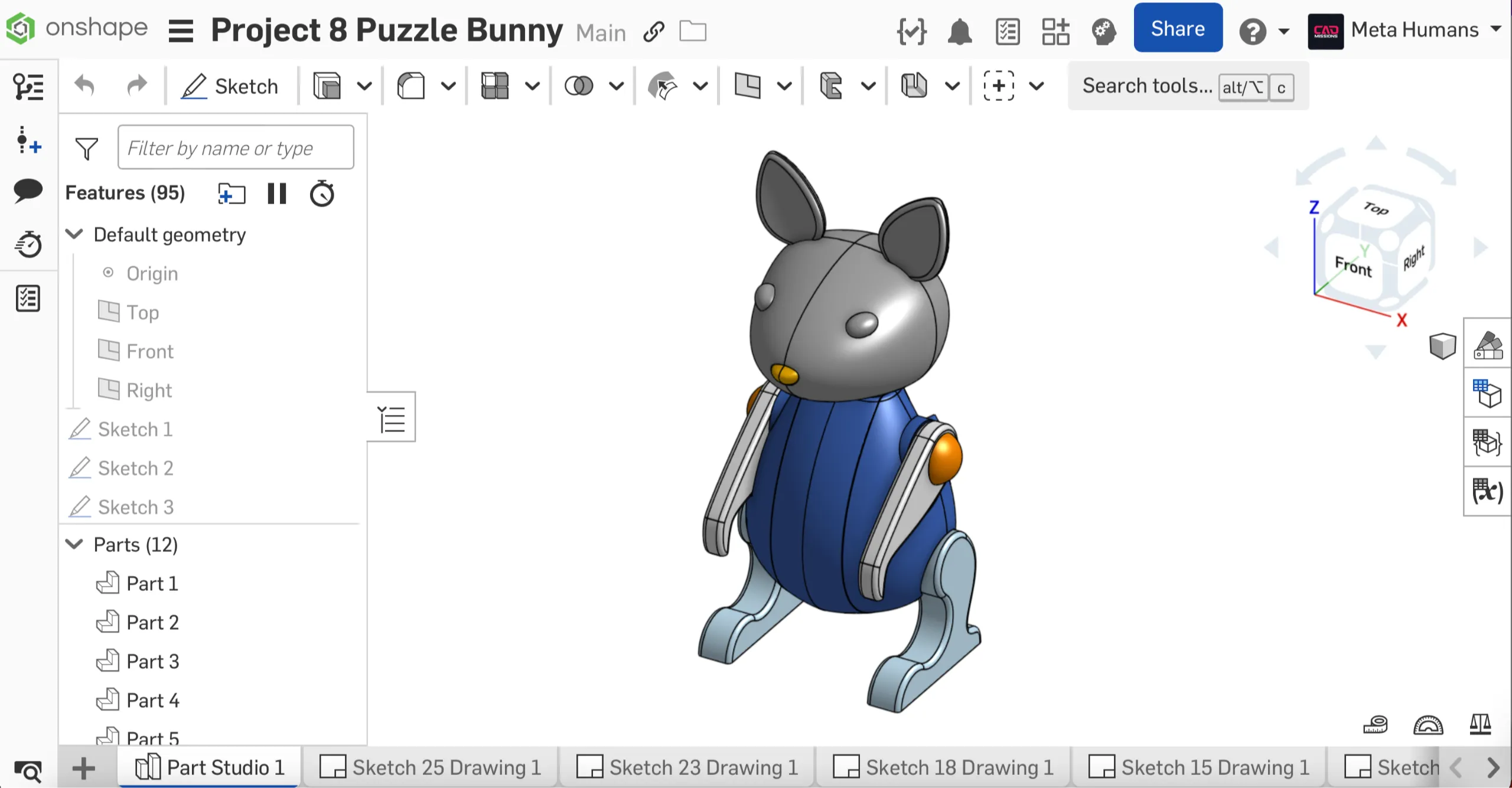
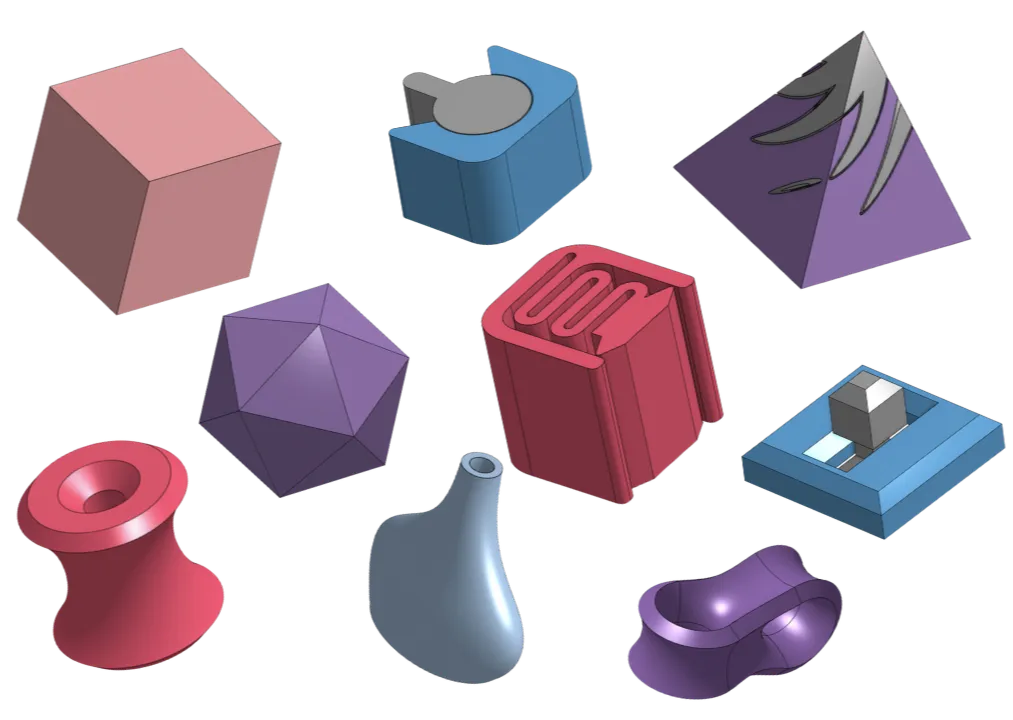
CAD Missions is organized into nine progressive levels. Each level has ten short missions that teach one skill at a time. Levels 1 through 8 each end with a recap project that combines those skills into a complete design, and Level 9 brings everything together in advanced integration missions.
The recap projects are the portfolio. A learner who finishes them has eight finished designs, from a phone dock to a combination-locked Cryptex, that show real progression from beginner to advanced. Nothing is gated, but skipping the projects means skipping the outcome.
The Starter Set covers Levels 1-3 and the Complete Curriculum covers all nine. Both use the same learning system; the difference is scope.
Tools That Reflect Real-World Design
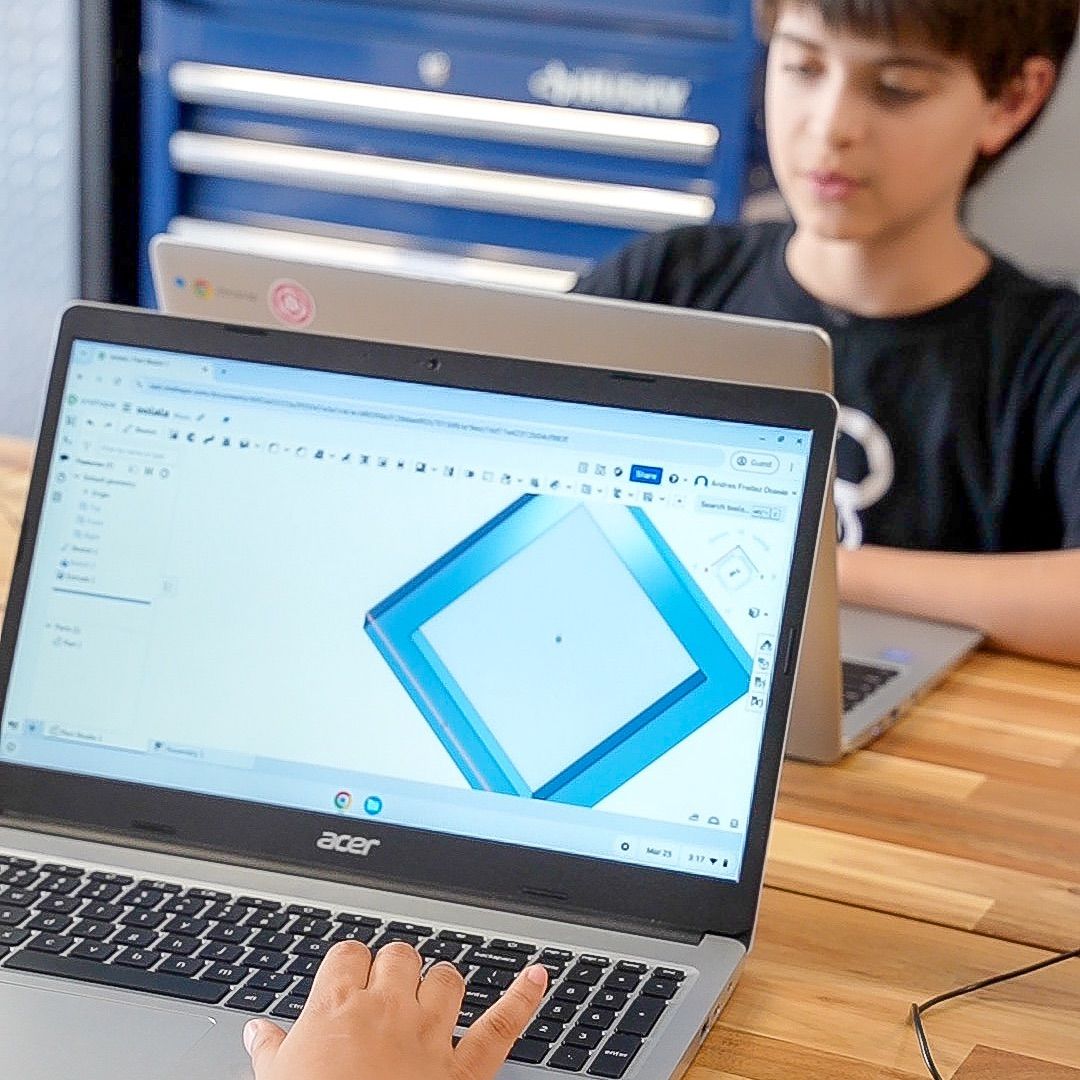
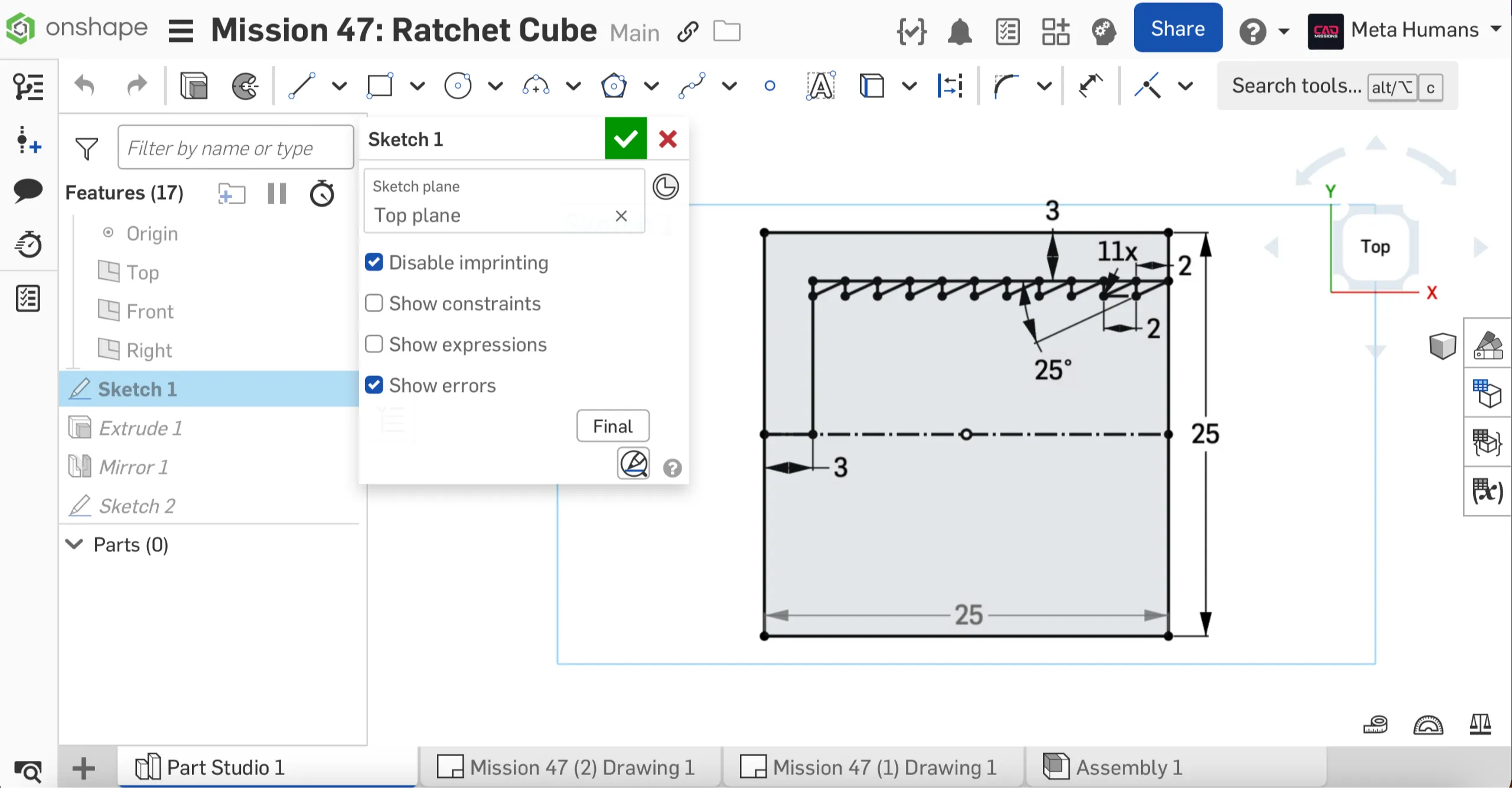
CAD Missions uses Onshape, a professional, cloud-based CAD platform used in industry and education.
Because Onshape runs in the browser, learners can focus on learning design principles and workflows without complex installations or hardware requirements.
The goal is not to simulate engineering, it’s to practice it with real tools.
Recognized for Educational Quality
CAD Missions is a STEM Authenticated Educational Product and has been awarded “Best in STEM,” placing it in the top 5% of evaluated products (link).
This recognition reflects the rigor, clarity, and educational value of the CAD Missions system, as used in real learning environments, not just theory.

Our Philosophy
We believe that learning CAD, and engineering design more broadly, is not about speed or volume.
It’s about:
- Developing spatial reasoning
- Understanding how tools work together
- Making design decisions deliberately
- Producing work you can explain, revise, and improve
CAD Missions was built to support that process, not shortcut it.
Get Started
If you’d like to see how the CAD Missions system works in practice, the best place to start is the free preview mission. It provides a short introduction and a complete sample mission so you can experience the learning approach firsthand
From there, you can choose the path that best fits your goals.
Start the Free Preview Mission