Learn 3D Engineering Design By Building Real Things
90 structured CAD missions in real engineering software. A portfolio of real projects. Designed for serious learners, ages 11 and up.

Awarded "Best in STEM"
STEM.org Certified
Onshape Focused
Professional CAD

Used by Homeschool
Families Nationwide
Real Engineering. Real Software. Real Skills.
Most "STEM curriculum" teaches kids to follow steps. CAD Missions teaches them to design, the part where they look at a real object, figure out how to build it, get it wrong, adjust, and get it right.
Real CAD Software
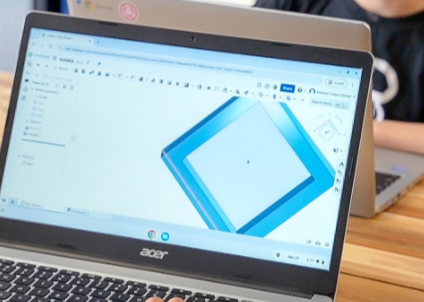
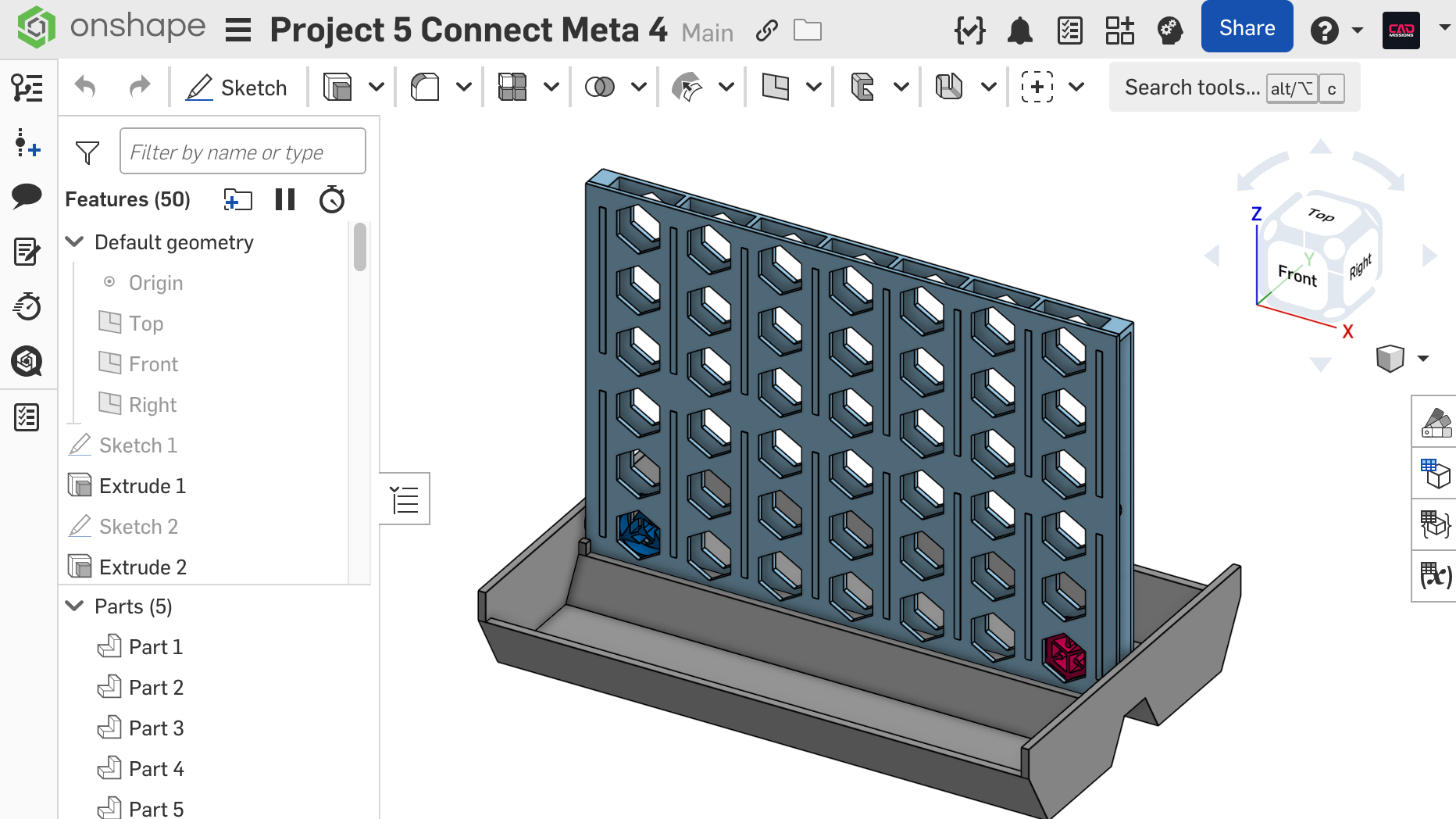
Students learn on Onshape, the professional cloud-based CAD platform engineers and product designers use every day. Not a toy version. Not a simplified mock-up. Free for students and personal use.
Structured Missions
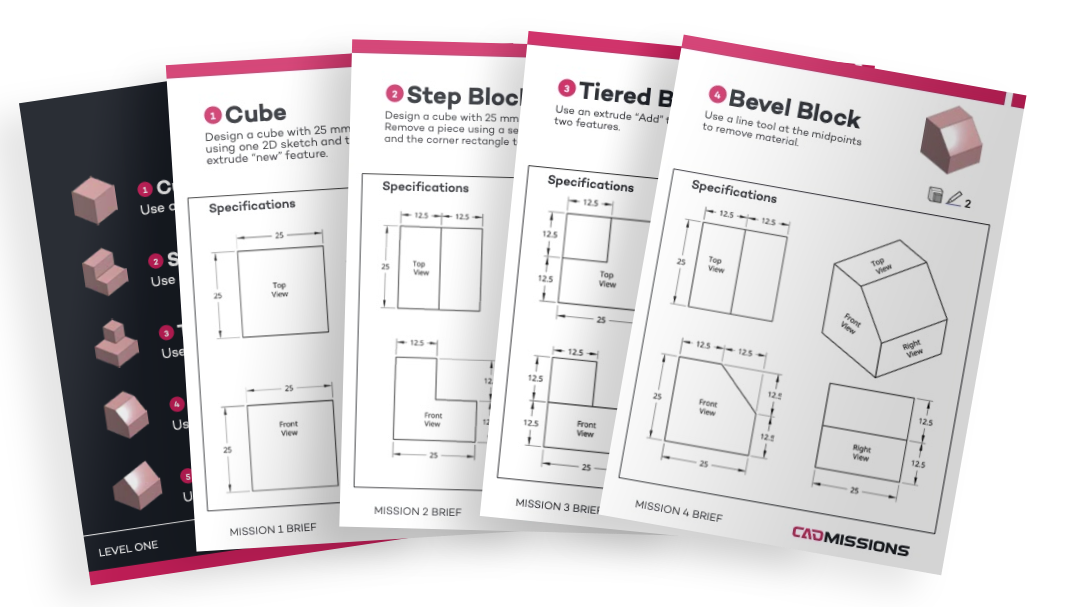
90 missions across 9 levels, building from first sketches to complex assemblies. Each mission has a clear goal, a brief with hints, and a full walkthrough for when help is needed.
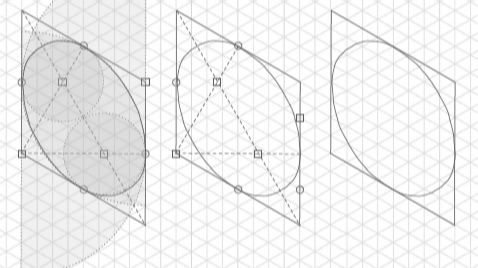
A Real Portfolio
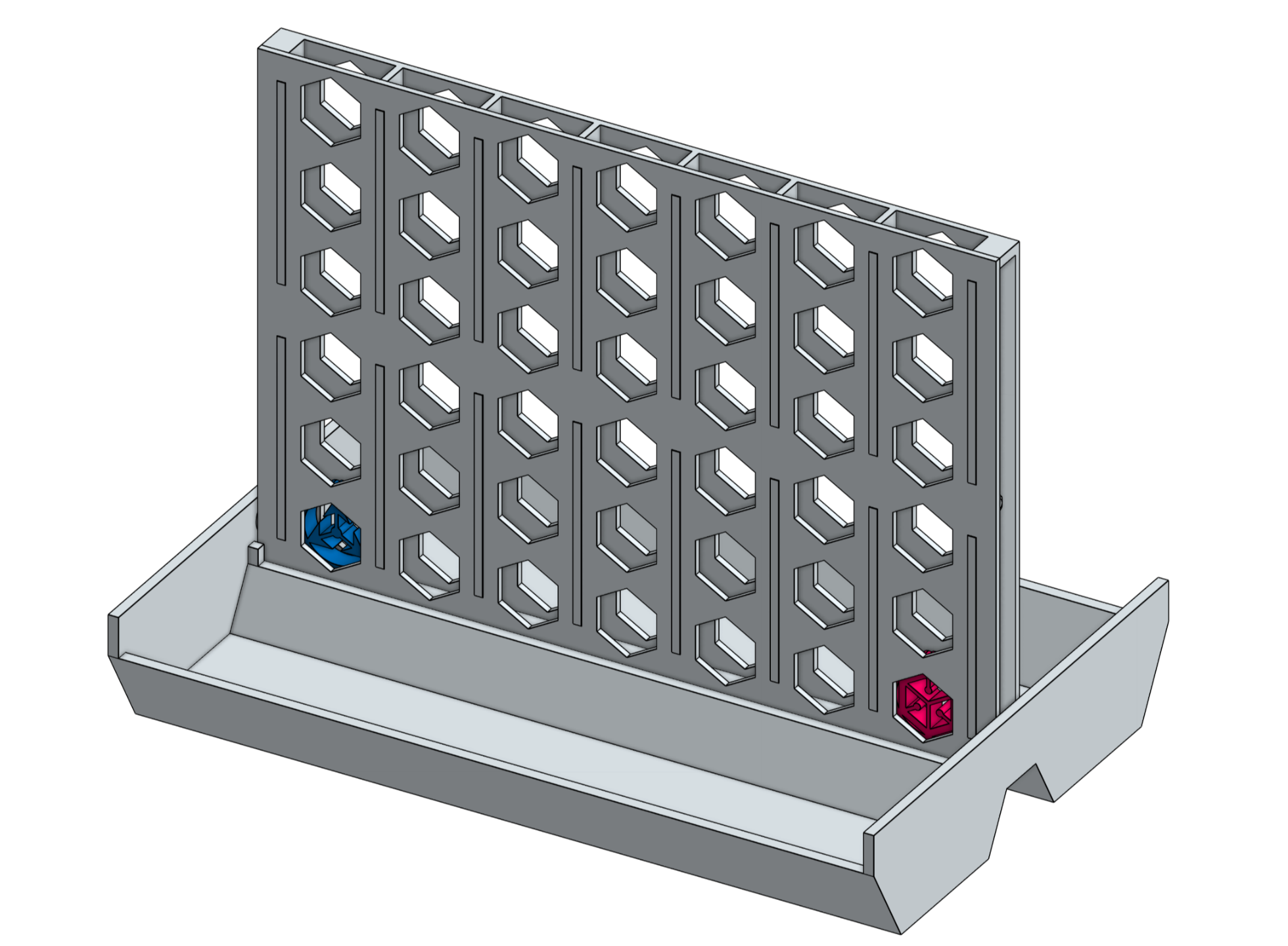
Levels 1 through 8 each end with a recap project, from a phone dock to a combination-locked Cryptex, and Level 9 combines everything in advanced missions. By the end, your student has 8 finished projects plus 90 mission files they can show, print, and build on.
How Missions Work
Every CAD Mission is designed to help learners think like designers, not just follow instructions. The process is the same for every mission, so learners always know what to expect.
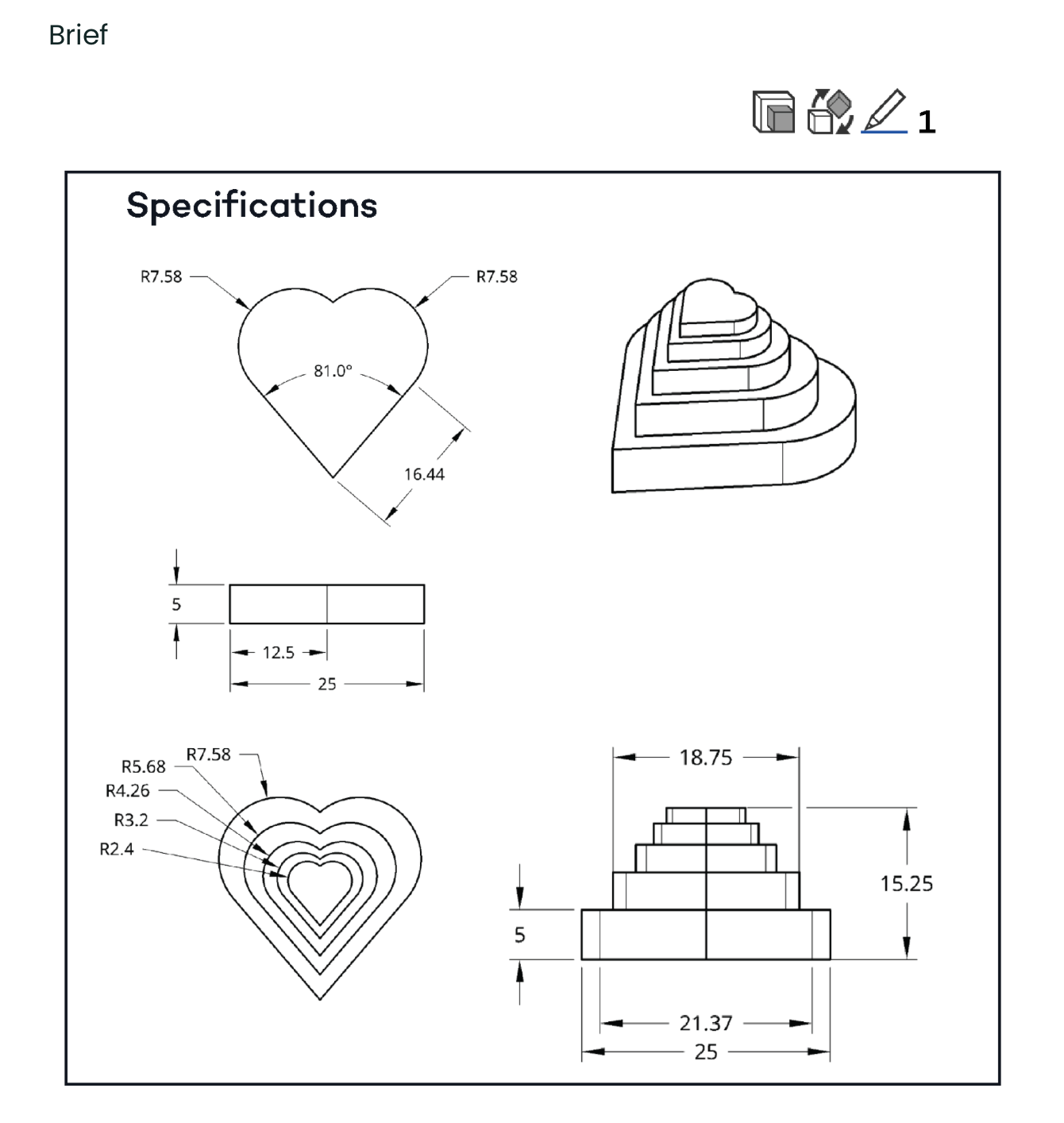
STEP 1 - Try First
Start With a Clear Design Goal
Each mission begins with a brief and a real design challenge. Students are encouraged to analyze the problem, plan an approach, and attempt a solution before checking how the experts would do it.
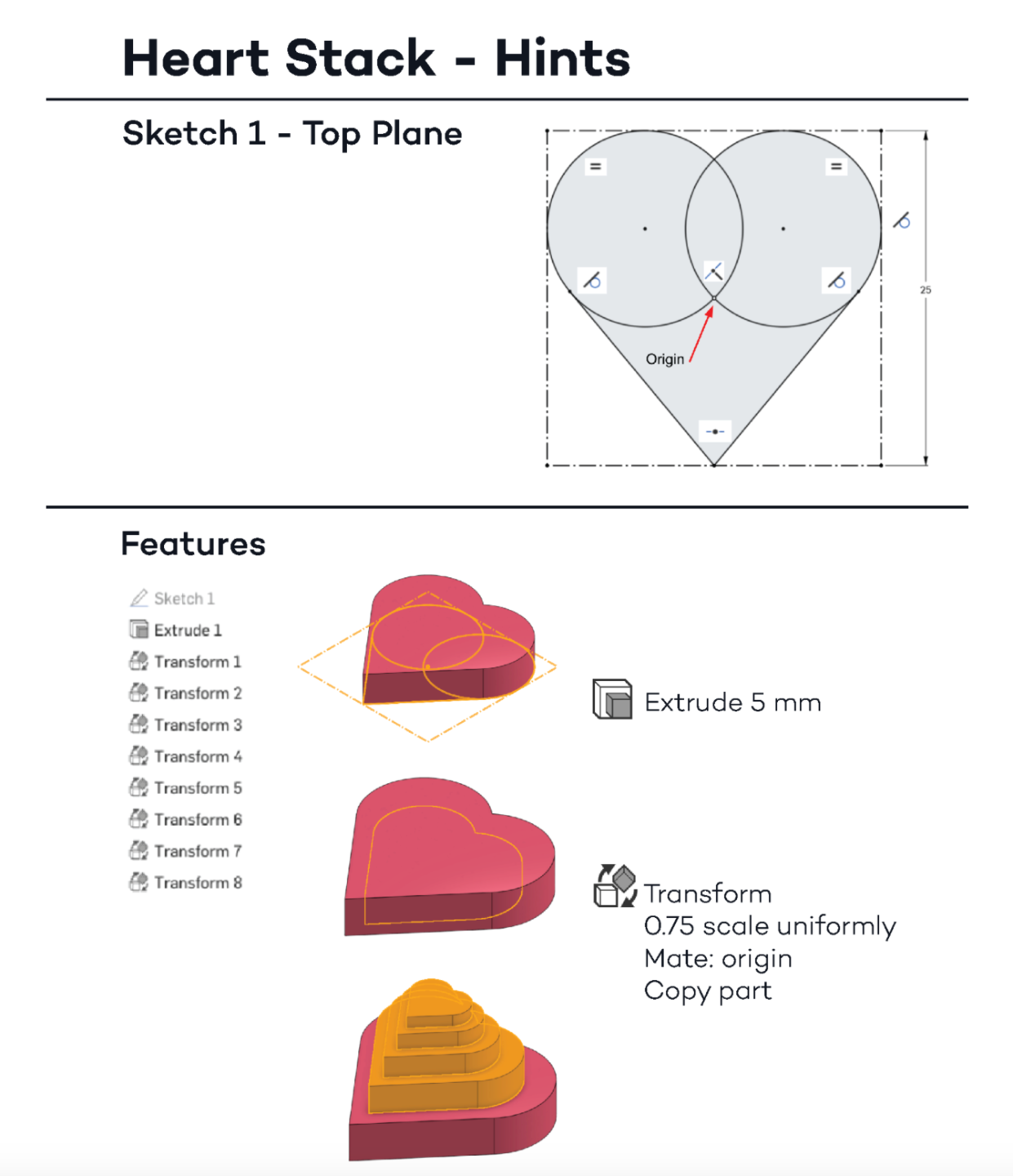
STEP 2 - Use Hints (Not Answers)
Hints Guide Thinking, Not Copying
If a student gets stuck, the Hints give just enough nudge to keep them moving. The goal is independent thinking, not pattern matching.
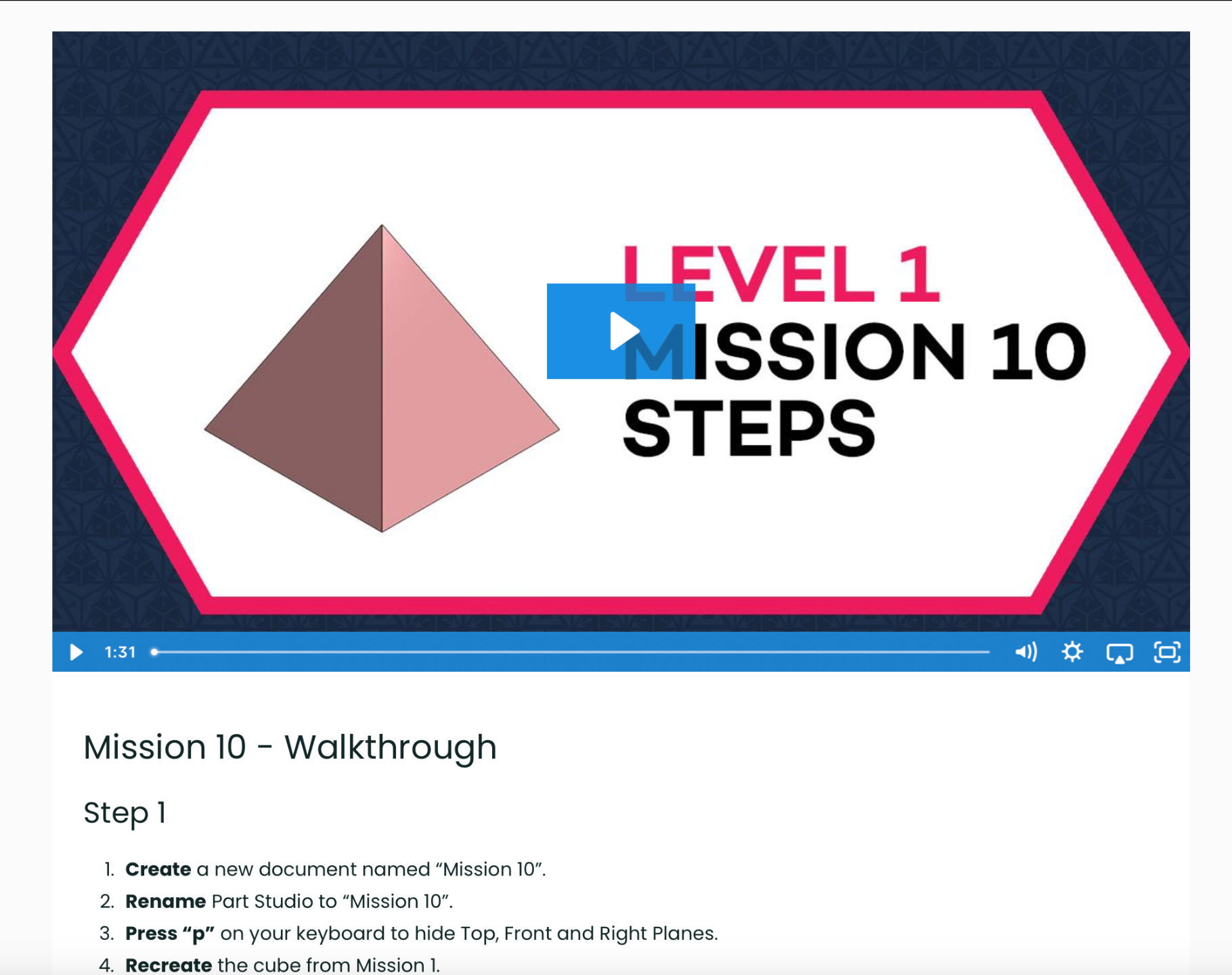
STEP 3 - Watch The Walkthrough (When Needed)
Walkthroughs Are a Last Resort
Only after trying the mission do learners watch the walkthrough video or read the full solution. This is where the design decisions behind the work get explained, the why, not just the how.
Recap projects at the end of each level integrate everything learned, turning skills into portfolio pieces.
Two Ways to Learn CAD
One curriculum. Two ways in.
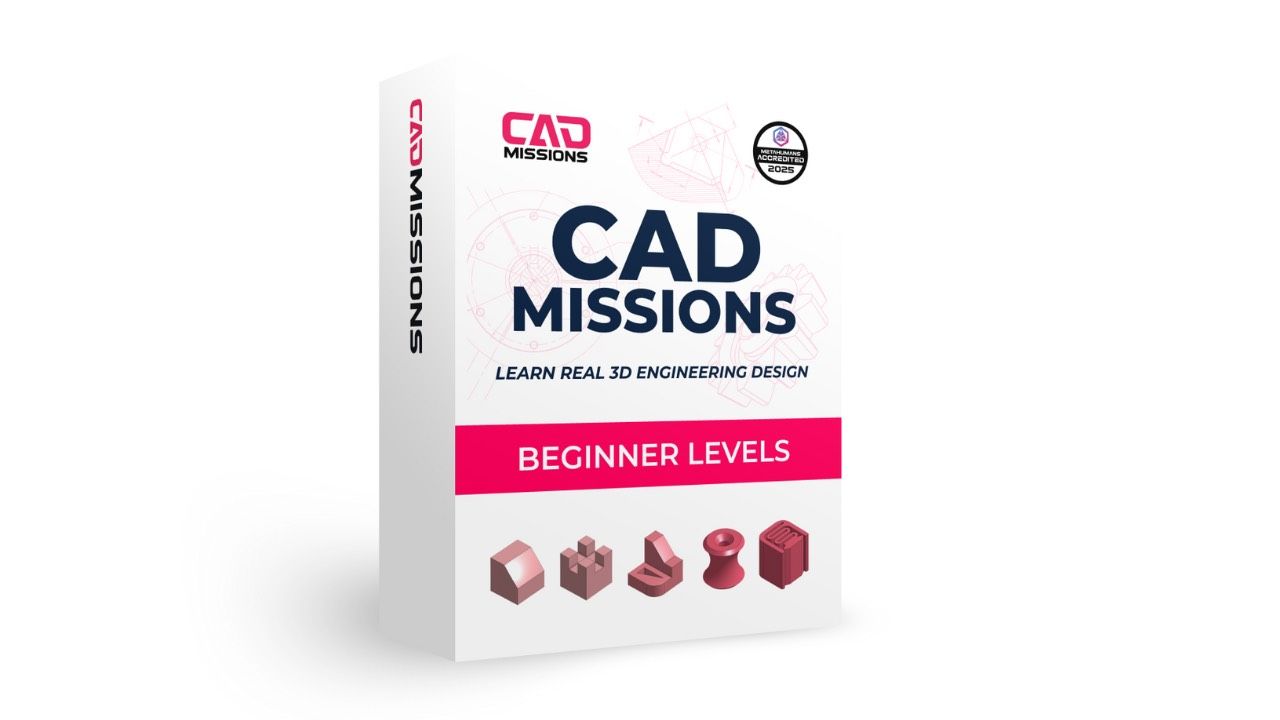
Starter Set
$269
one-time
Levels 1-3 · 30 missions For students new to CAD or testing the waters.
What’s included
- 30 missions across Levels 1-3
- Briefs & Hints + Walkthroughs (digital)
- All video walkthroughs
- Onshape integration
- Lifetime access
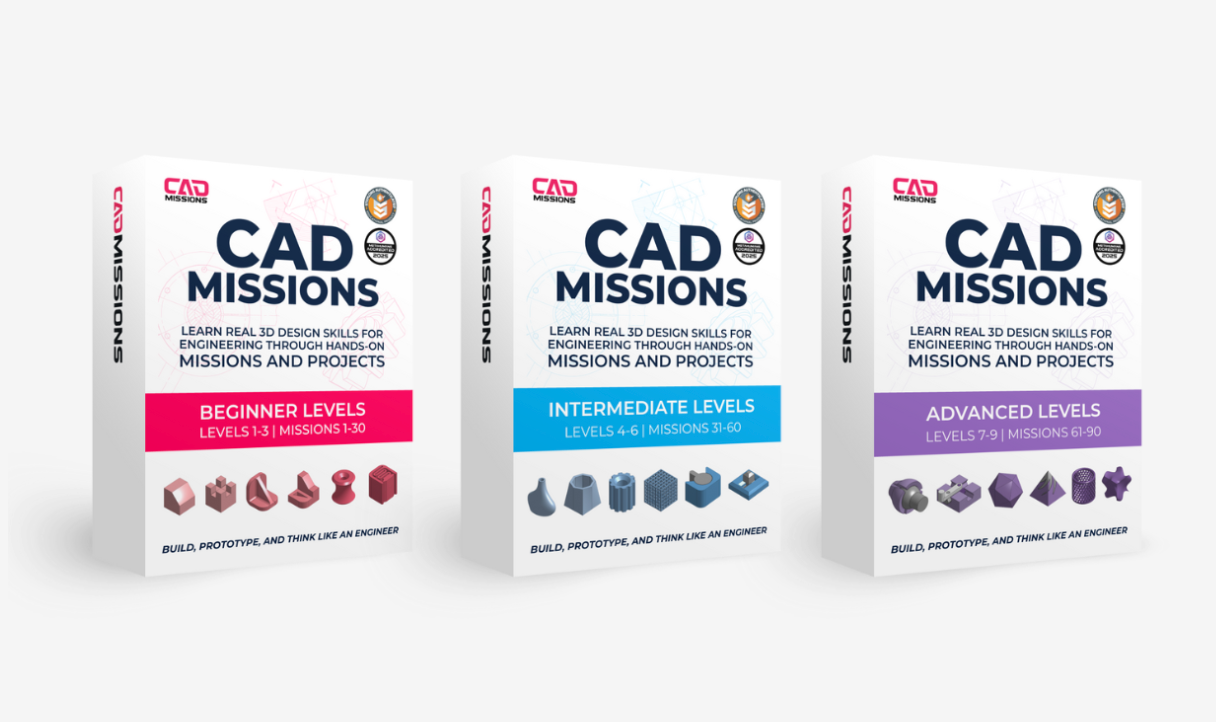
Complete Curriculum
$599
one-time
Levels 1-9 · 90 missions For serious learners building real CAD skills and a portfolio.
What’s included
- All 90 missions across 9 levels
- All Briefs, Hints & Walkthroughs (digital)
- All video walkthroughs
- Onshape integration
- Prepares students for Onshape Certification
- Lifetime access
Prefer to Start Smaller?
Try Level 1 for $29, or spread the curriculum over monthly payments. Both use the same missions and the same method.
Level 1
$29
one-time
Level 1 · 10 missions A low-cost first step to see if CAD clicks.
What's included
- Getting started: setup and interface tour
- Missions 1-10 with briefs, hints and walkthroughs
- The Phone Dock recap project
- Lifetime access to Level 1
- $29 credited if you upgrade within 30 days
Monthly
$49
per month, cancel anytime
All 9 levels, one month at a time For families who'd rather pay as they go.
What's included
- Levels 1-3 open right away
- Levels 4-6 open after your third month
- Levels 7-9 open after your sixth month
- All briefs, hints and video walkthroughs
- Cancel anytime; access runs to the end of the paid month
Want to See It First?
The Free Preview includes a complete mission, the walkthrough, and access to the full system.
No credit card. No expiration.
What the free preview includes
- A short “How to Get Started” introduction
- A sample CAD mission
- Hints and a full walkthrough
- No account upgrades required
No credit card required. Takes about 15-30 minutes.
Built by Educators.
Tested Through Real Teaching.
CAD Missions was built by educators who've spent years teaching CAD to real students. Every challenge, hint, and walkthrough has been refined through dozens of real classes, micro-school sessions, and homeschool co-ops.
Every mission, every project has been tested with students who don't want to be confused, and want to build something real.
Start the Free Preview Mission“The missions gave my child structure without needing constant help. It finally clicked.” - Parent
Awarded “Best in STEM”
Top 5% of products
This recognition reflects the quality, rigor, and educational value of the CAD Missions system.
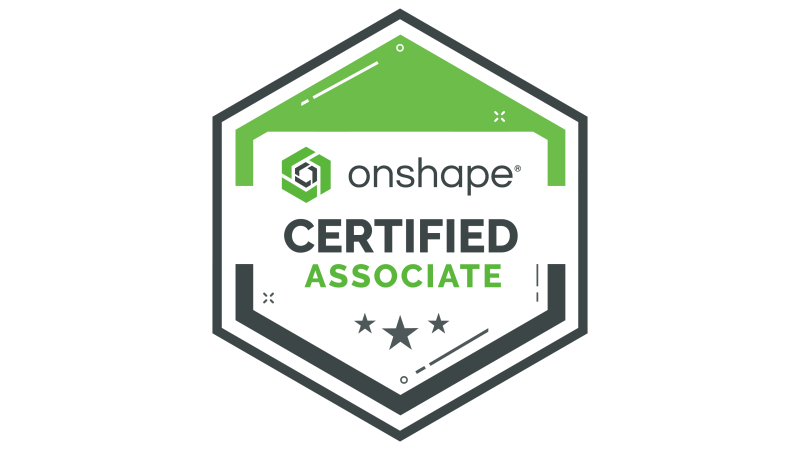
A Real Credential, Not a Participation Certificate
Onshape is professional cloud-based CAD software, and the Certified Onshape Associate exam is its official credential, issued by the software maker itself rather than by a course.
The Complete CAD Missions Curriculum builds the sketching and 3D modeling foundation that makes the Associate certification reachable. A few hours of extra review on assemblies, file management, and mate connectors completes the preparation.
FAQ
What age is CAD Missions for?
Do learners need prior CAD experience?
How much time does it take?
Is this self-paced or instructor-led?
What software is used?
What’s the difference between the Starter Set and the Complete Curriculum?
Can I upgrade from Starter to Complete later?
Do you offer educator licenses or purchase orders?
Can I purchase physical books?
Satisfaction Guarantee
Is there a monthly option?
Can I use Step Up For Students or other scholarship funds?
Not sure yet?
Join our mailing list to get updates on CAD Missions.