Your student designs a real, 3D-printable object this week.
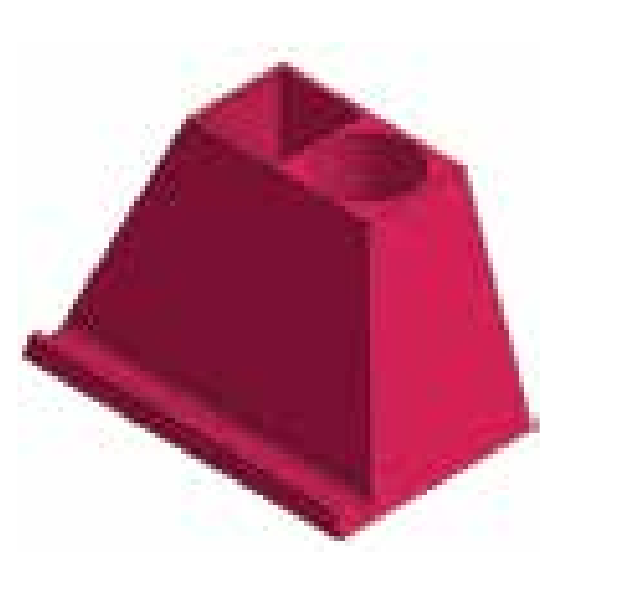
Ten short missions in Onshape, the browser-based CAD software professional engineers use. No installs, no subscription. Level 1 ends with a Phone Dock they size to their own phone.
Start Level 1 for $29One-time payment · 14-day satisfaction guarantee · Ages 11 and up
The ten Level 1 missions
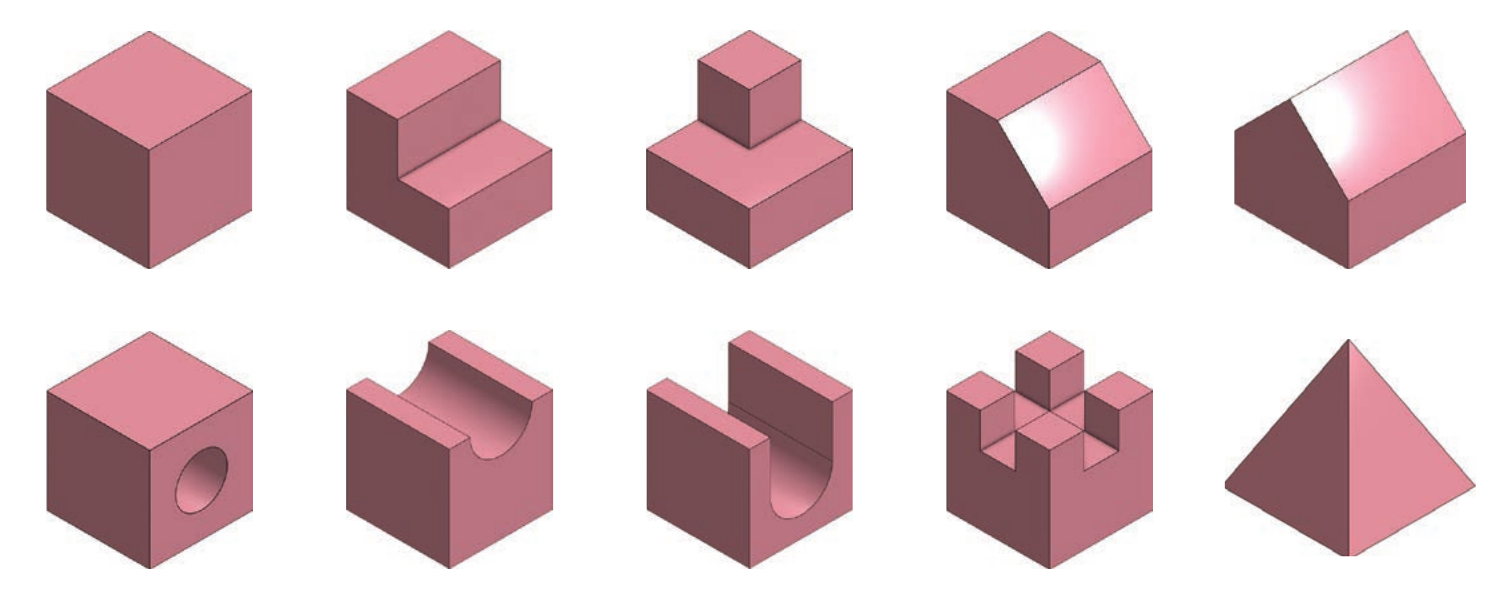
Each mission teaches one skill: sketching, constraints, and four kinds of extrusion. By mission ten your student has the tools to design the Phone Dock on their own.
How a mission works
Read the brief
A one-page design brief with dimensions, like a real engineering drawing. The student tries it first, on their own.
Use the hint if stuck
A short hint shows which sketch and which feature to use, without giving away the steps.
Compare with the walkthrough
A step-by-step video shows one clean way to build it. Students compare, fix, and move on.
CAD Missions Level 1
- Getting started: Onshape setup, interface tour, exporting for 3D printing
- Missions 1 to 10 with briefs, hints, and video walkthroughs
- The Phone Dock recap project
- Lifetime access to Level 1
- Onshape is free for students and runs in a browser
Keep going if they love it. Upgrade to the Starter Set (Levels 1 to 3) or the Complete Curriculum (all 9 levels) within 30 days and your $29 is credited. Level 1 progress carries over.
14-day satisfaction guarantee. If it is not a fit, let us know within 14 days.
Built in a classroom, not a studio
CAD Missions was written by an educator who teaches it every week to students ages 11 and up. The 90-mission curriculum is STEM.org authenticated and was awarded Best in STEM.
Questions parents ask
Does my student need any software or a powerful computer?
No. Onshape runs in a browser and is free for students. A Chromebook, Mac, or PC with a mouse is enough. Setting up the free account is the first lesson.
Do we need a 3D printer?
No. Every mission and the Phone Dock are complete as digital designs. If you have access to a printer at home, school, or a library, Level 1 includes a lesson on exporting files for printing.
How much parent involvement is needed?
Very little. Missions are written to the student and designed to be done independently after the setup lesson. The brief, hint, and walkthrough structure means they are never stuck for long.
How long does Level 1 take?
Missions take 10 to 30 minutes each; the Phone Dock takes 30 minutes to a few hours. Access is lifetime, so there is no deadline; the pace is yours.
What happens after Level 1?
Levels 2 to 9 continue the same way, ending in projects like a Whistle, a Cryptex, and a Puzzle Bunny. Upgrade within 30 days and your $29 is credited toward the Starter Set or Complete Curriculum.
Can we use Florida Step Up For Students funds?
Families can buy a one-time option and submit the receipt to Step Up for reimbursement. Check your scholarship's current reimbursement rules before purchasing.
Start with one level. See if it sticks.
$29, one-time. Ten missions, a Phone Dock, and a 14-day guarantee.
Start Level 1 for $29